

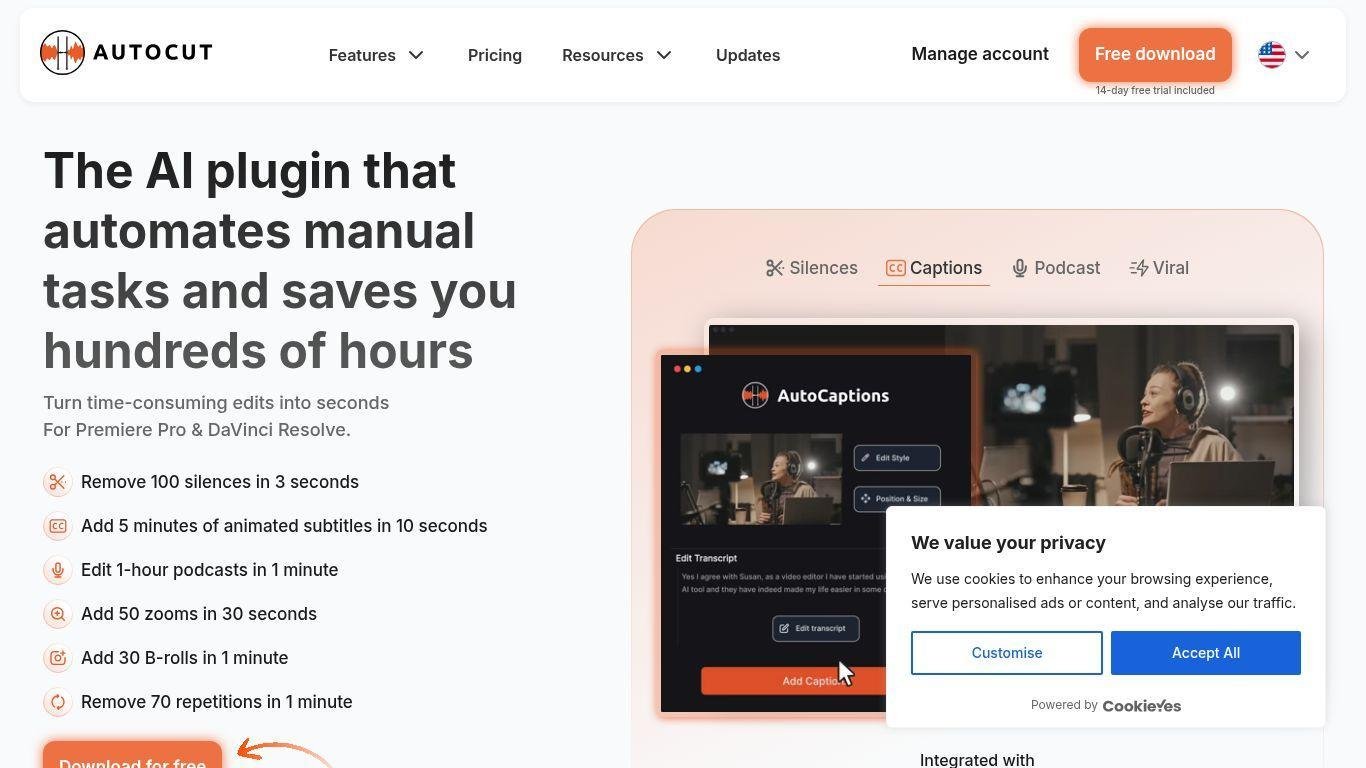
• AutoCut is an AI-powered video editing plugin for Premiere Pro and DaVinci Resolve.
• It automates tasks such as cutting silences, adding animated captions, inserting B-roll, smart zooms, removing repeated takes, generating chapters, filtering profanity, and creating highlight reels from long videos.
• Supports multiple languages and integrates with major video editors.
• Offers a free trial with no credit card required for testing before subscription.
• Designed to allow creators to focus on storytelling while the AI manages tedious edits.
Automatic removal of silent pauses (AutoCut Silences)
Animated word-by-word captions and translation in 80+ languages (AutoCaptions)
Podcast editing with speaker recognition, camera switching, multicam support (AutoCut Podcast)
Smart zooming effects timed to content (AutoZoom)
B-roll insertion using AI to pick relevant footage (AutoB-roll)
Detection and elimination of repeated clips or bad takes (AutoCut Repeat)
Automatic chapter segmentation in long videos (AutoChapters)
Profanity filter that masks or bleep undesirable words (AutoProfanity Filter)
Resize / format adaptation for social media output (AutoResize)
Seamless integration with Premiere Pro & DaVinci Resolve, 14-day free trial availability

What editors is AutoCut compatible with?
AutoCut integrates as a plugin/extension for Adobe Premiere Pro and more recently for DaVinci Resolve.
Does AutoCut offer a free trial?
Yes — AutoCut provides a 14-day free trial with access to its AI features, and no credit card is required to start.
How many languages do the caption tools support?
The AutoCaptions feature supports translation and animated captions in over 80 languages.
Can AutoCut help edit multicam podcasts?
Yes — with AutoCut Podcast, you can automatically edit multi-microphone, multi-camera podcast footage, detect speakers, and switch camera angles.
What makes AutoCut faster or better in 2025 updates?
Recent updates boast 80% more stability and 50% faster processing, plus improved profanity filtering, better handling of repeated takes, multicam supporting upgrades, and optimized zoom and caption automation.