

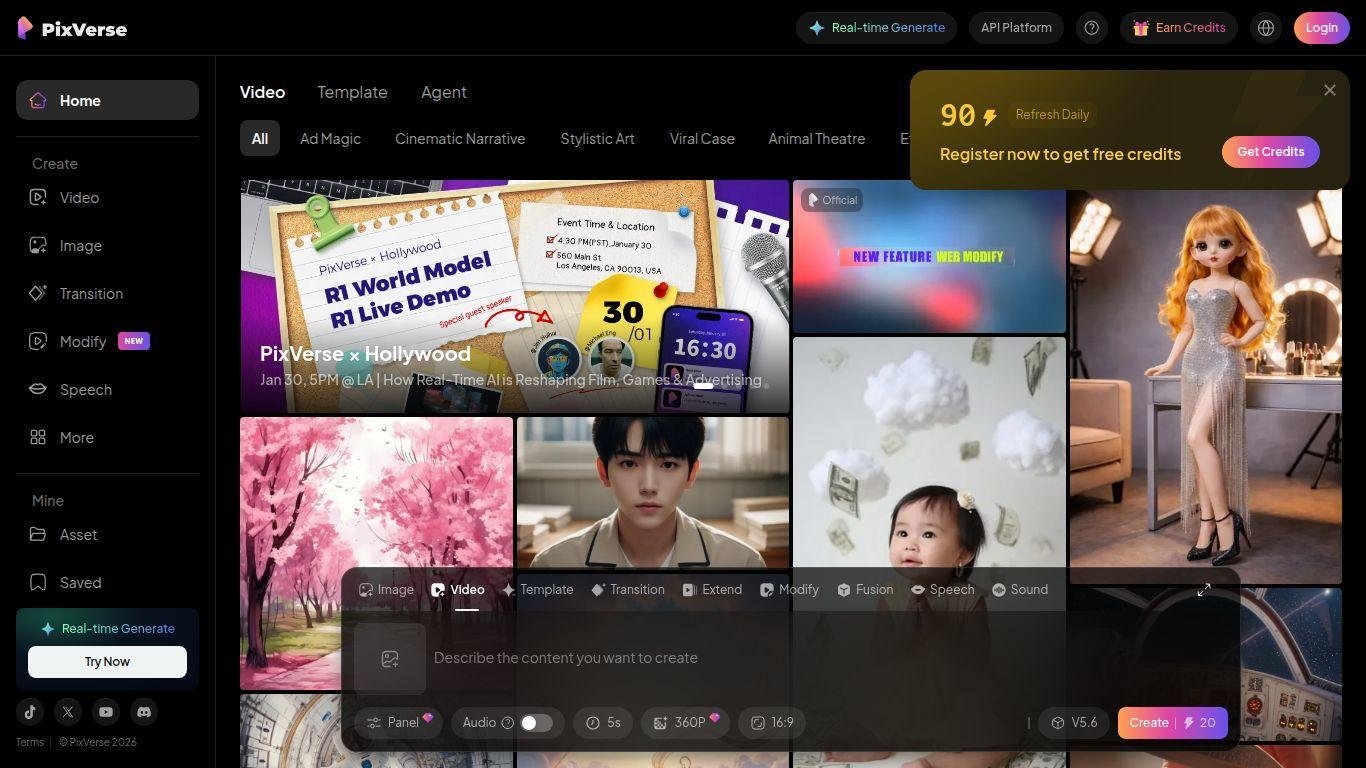
• PixVerse AI is a versatile creative platform for transforming text prompts, images, or video segments into high-quality animations and videos.
• The platform caters to users with varying technical skills, allowing for easy creation of dynamic content.
• Key functionalities include animating photos, generating scenes from text prompts, and extending existing clips.
• PixVerse incorporates advanced AI models (V4/V5) for speed, realism, and trendy effects.
• Features include image-to-video, text-to-video, video extension, lip-sync, style fusion, and trending visual motifs.
• The tool is designed for creators, marketers, and storytellers to efficiently produce engaging video content.
Text-to-video generation where users type a prompt and the system produces a cinematic clip
Image-to-video transformation that animates still photos into moving scenes with effects
Video extension and seamless transition tools that pick up from existing footage and continue the motion
Lip sync and voice-enabled animations that bring characters and objects to life
Trend-driven effects and templates (e.g., AI Hug, AI Kiss, body morphing, object-to-robot) tailored for social media virality
High-quality output models (V4 and beyond) delivering improved motion realism, character consistency and physics
Creative control over style, aspect ratio, camera movement and audio layering for full customization
Credit-based usage system with free tier access, daily renewal and upgrade paths for higher throughput
Community and template ecosystem sharing and remixing videos, prompting discovery and iterative creativity
Browser and mobile compatible workflow enabling quick export and sharing to platforms like TikTok, Instagram and YouTube

What kinds of media inputs does PixVerse AI support?
You can start with a text prompt, upload a still image or provide a short video, and the platform will generate new animated content based on your input.
How fast can PixVerse produce a video?
Generation times vary by project complexity and credits, but many clips are ready in a few minutes using the latest model versions.
Is there a free version of PixVerse AI?
Yes — there is a free tier that gives initial credits and daily renewal credits so you can try the platform before upgrading to paid plans for higher resolution or more credits.
What kind of visual styles or effects can I create?
You can use built-in trending templates (e.g., hugs, kisses, body morphing, object transformations), and customize camera moves, lighting, animation style and lip sync to match your creative goal.
Can I export and use the videos for social media or marketing?
Yes — the platform supports exports suitable for social platforms like TikTok, Instagram, YouTube, and allows sharing or downloading of your creations; check the latest terms for commercial use details.