

• AudioEnhancer.ai is an AI-based online platform for audio enhancement.
• It transforms audio or video recordings into studio-quality sound easily.
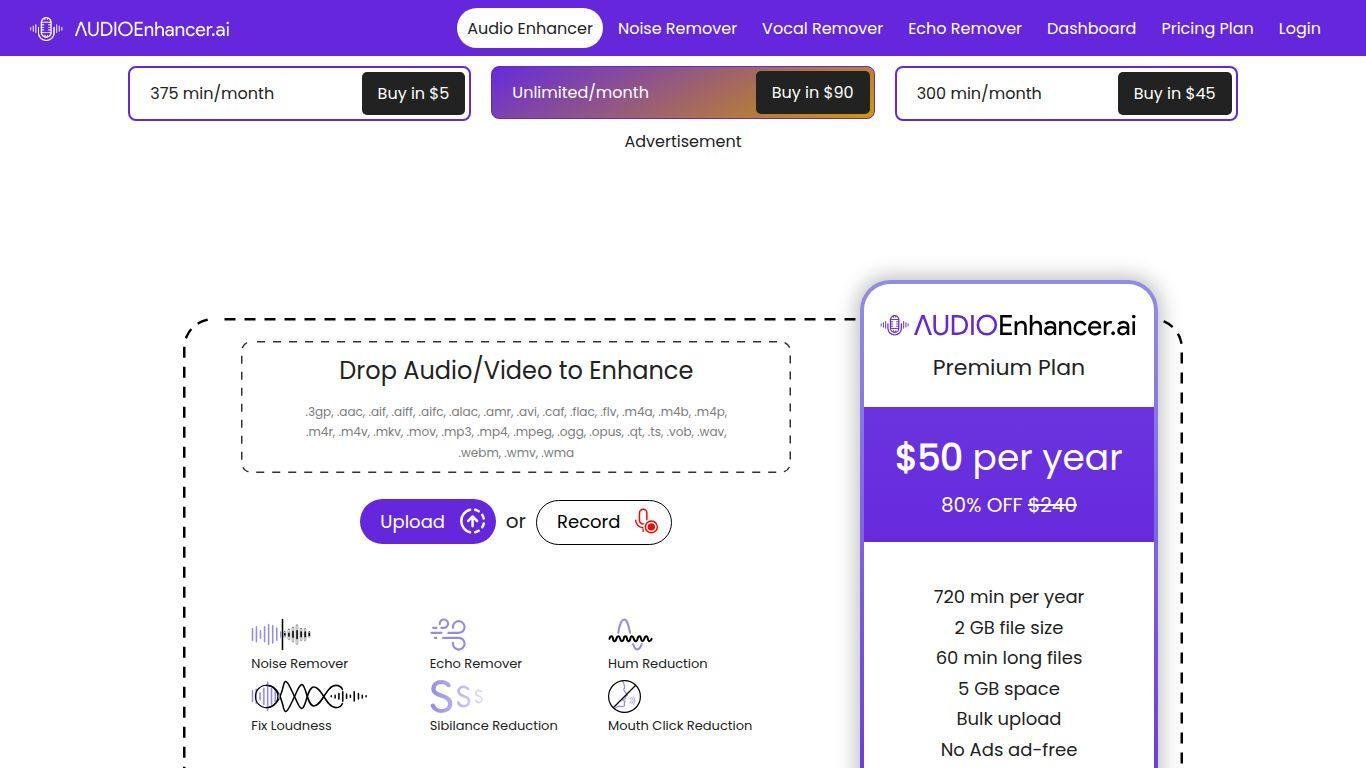
• Features include noise reduction, echo removal, voice clarity improvement, loudness leveling, and stem separation.
• The platform operates in-browser and supports various file formats like MP3, WAV, MP4, and MOV.
• Users can follow a simple one-click workflow: upload, enhance, and download.
• It offers specialized modules tailored for podcasters, musicians, video creators, and other content creators.
• The service aims to ensure high-quality sound regardless of recording conditions.
Advanced noise reduction that can remove background hums, fans, crowds and mechanical sounds while preserving speech clarity
Echo and reverb suppression to turn recordings made in reflective or untreated rooms into clear dry sound
Loudness and level balancing that brings inconsistent voice or music levels up to broadcast-ready norms
Vocal and instrument stem splitting for music producers and remixers to isolate vocals, drums, bass, guitar, piano and other tracks
Broad format support for both audio and video containers (MP3, WAV, AAC, MP4, MOV etc) without needing conversion
One-click, browser-based workflow (upload → enhance → download) with minimal audio-engineering knowledge required
Free tier access (limited minutes) so users can test the system before upgrading
Cloud-based processing so the user’s local machine isn’t overloaded and no software installation is required
Secure handling and deletion of uploaded files after processing to preserve privacy
Tools beyond enhancement such as a voice-recorder, audio-file analyzer (with spectrogram, loudness metrics), and voice-changer effects for creative use

What kinds of files can I upload?
You can upload both audio and video files in commonly used formats such as MP3, WAV, AAC, MP4, MOV and more, without conversion.
How long does processing take?
In typical cases the processing completes in a matter of seconds or a few minutes depending on file size and duration — the platform is optimized for fast results.
Is there a free version?
Yes — there is a free tier which allows you to test the service for limited minutes before upgrading to paid plans for higher usage.
Does it work for music, podcasts and video content?
Yes — the tool offers presets and workflows tailored for spoken-word content (podcasts, lectures), video creators, and music production (including stem splitting).
What happens to my uploaded files after processing?
Files are processed in the cloud and are handled securely; many of the pages say uploads are not stored long-term and are deleted after processing.