

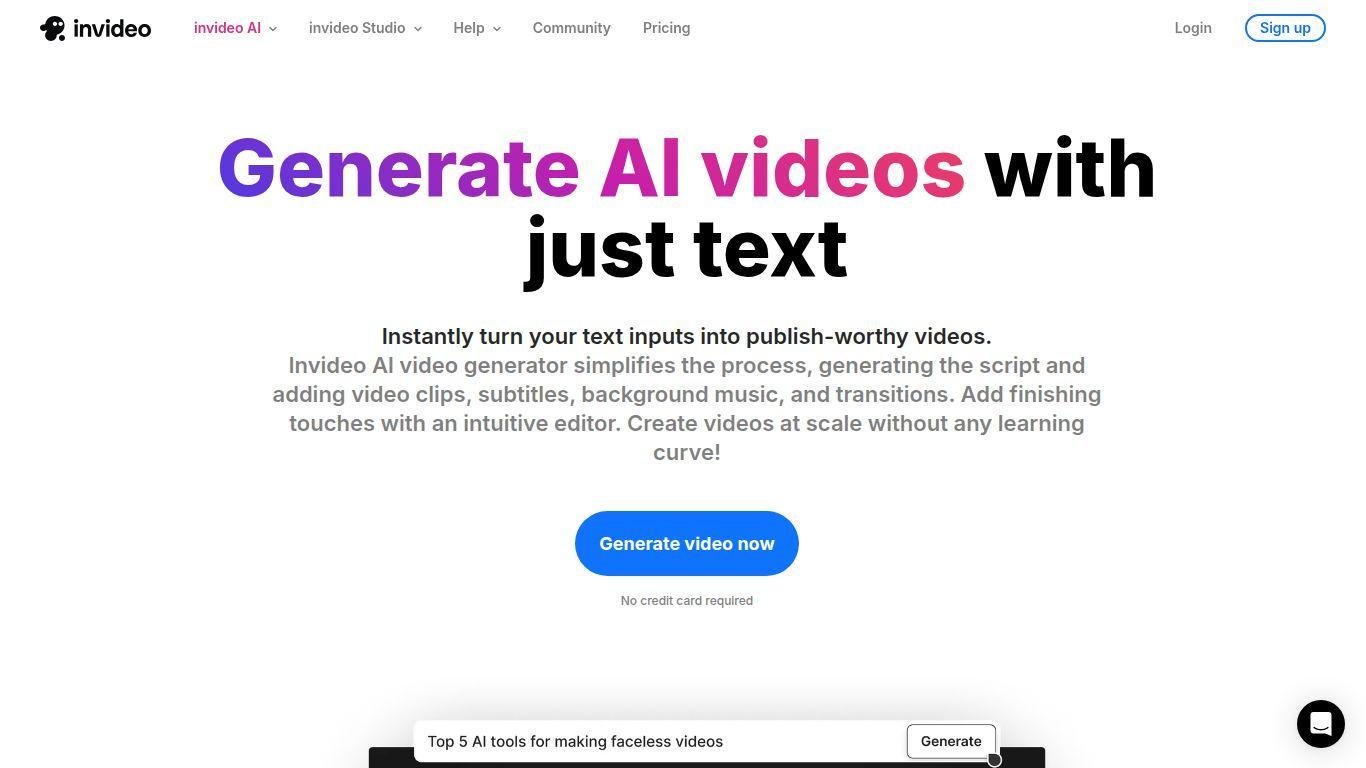
• InVideo AI converts text prompts into shareable videos.
• It creates scripts and utilizes a vast stock media library.
• The platform adds voice-overs, music, and transitions.
• Operates through a web-based interface, requiring no extensive editing skills.
Generates complete videos from text prompts: write what you want, choose length/platform, the tool builds a video.
Built-in script generation: takes your idea or prompt and writes a suitable script automatically.
Large stock media library: over 16 million royalty-free photos/videos/sound to compose scenes.
Human-sounding voiceovers: supports many languages/accents, adding voice to your videos.
“Magic Box” editing: after generation you can type commands like “delete scene”, “change voiceover accent” and the system applies changes.
No download required: fully web-based, works in browser across devices.
Platform-specific workflows: presets for social media, ads, explainer videos etc.
Free plan available: lets you try the tool without credit card, though with limitations.
Export and customization: you can review and tweak the generated video, then export for publishing.
Focused on speed and simplicity: especially useful if you need many videos fast rather than full manual editing.

What is InVideo AI?
It’s a web-based video creation tool that uses AI to generate videos from text prompts, handling scripting, visuals, voice-overs and editing.
How does it work?
You provide a prompt/idea, select settings (length, platform, voice, audience), the AI generates a script, selects media & voice-over, builds a draft video, then you can edit and export.
Is there a free version?
Yes — a free tier exists allowing you to try the tool without entering payment details (though with limitations like watermark, export counts).
Who is this tool for?
Content creators, marketers, small businesses, social media teams, educators — anyone needing to produce video content quickly without heavy editing skills.
What are the limitations?
The free version has watermarks; customization control is less deep than full manual editors; going back and forth for edits can consume credits or time.