

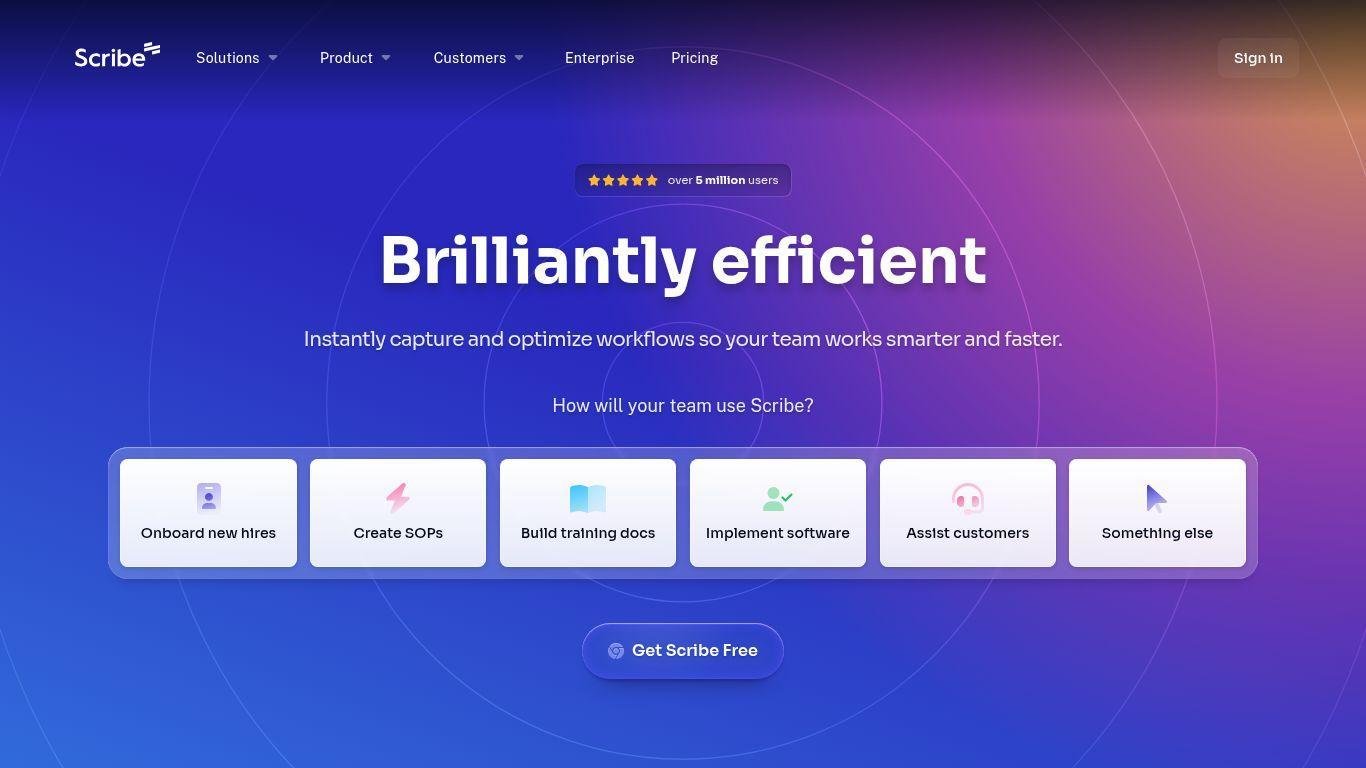
• Scribe is a process documentation tool that creates visual guides from workflows.
• It is designed for teams, trainers, and operations professionals.
• The tool automatically captures screen activity, providing annotated screenshots and instructions.
• Scribe simplifies onboarding, SOP creation, and help center content development by eliminating manual documentation.
• Features include real-time collaboration and integration with Confluence and Zendesk.
• It allows exports to PDF, HTML, or Markdown.
• Scribe offers enterprise-grade security and a user-friendly interface, enhancing knowledge sharing and productivity within organizations.
Automatic process capture and step-by-step guide creation
Instant screenshots with smart annotations
Export options for PDF, HTML, and Markdown
Real-time editing and team collaboration
Custom branding and template control
Embeddable guides in knowledge bases or tools
Integrations with Confluence, Zendesk, and more
SOC 2 compliant for enterprise security
Great for SOPs, onboarding, training, and support
Web-based interface with Chrome extension

What is Scribe used for?
Scribe is used to create step-by-step visual guides by capturing your screen activity and converting it into documentation.
Can I collaborate with my team in Scribe?
Yes, Scribe supports real-time collaboration, allowing multiple users to edit and refine guides together.
Is Scribe secure for enterprise use?
Absolutely. Scribe is SOC 2 compliant and includes access controls for secure sharing.
Which file formats can I export guides in?
Guides can be exported in PDF, HTML, or Markdown formats depending on your needs.
Does Scribe integrate with other platforms?
Yes, Scribe integrates with knowledge tools like Confluence, Zendesk, and more to streamline documentation workflows.