

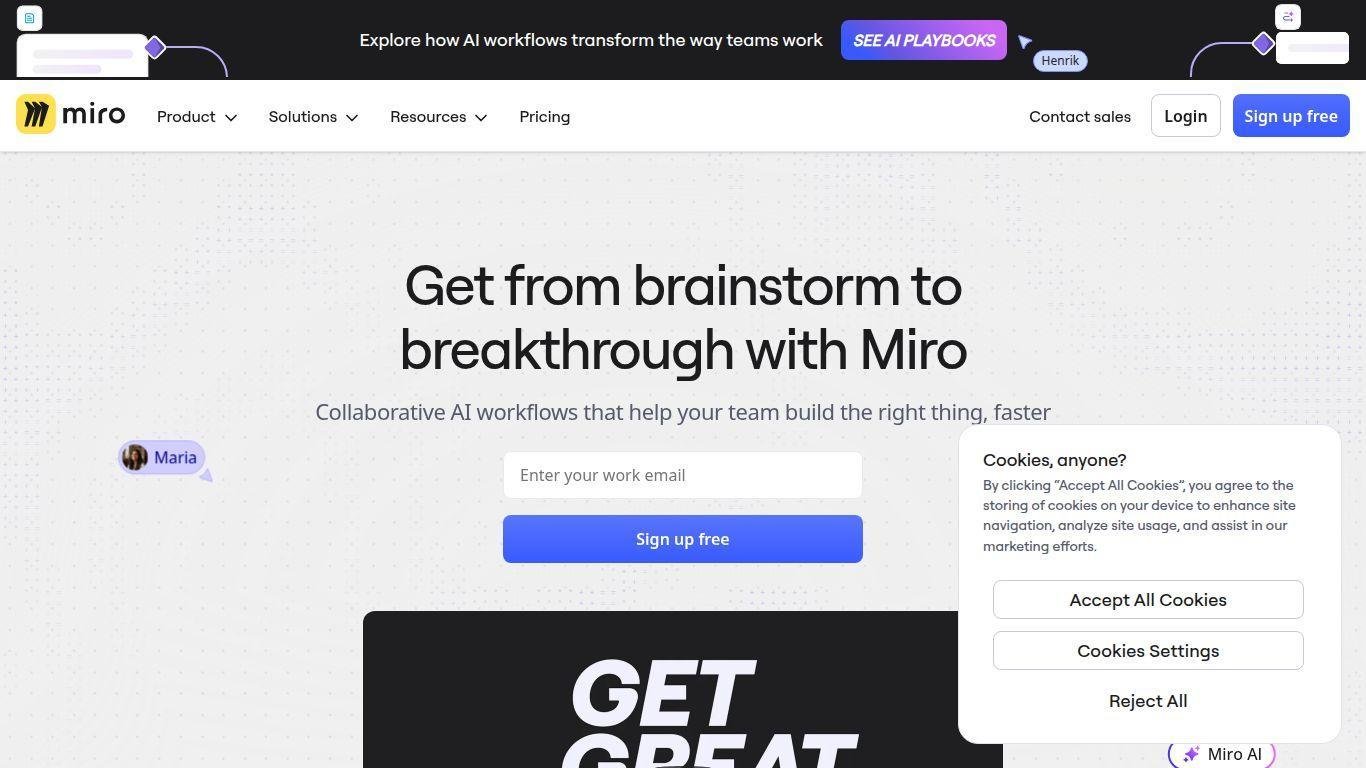
• Miro is a visual collaboration workspace designed for team collaboration across various locations and time zones.
• It features an infinite canvas and a rich library of templates.
• The platform supports over 130 integrations, allowing for seamless functionality.
• Miro offers both real-time and asynchronous collaboration modes.
• Built-in AI tools enhance the user experience, alongside enterprise-grade features.
• The tool streamlines workshops, agile workflows, diagramming, product planning, and data-driven decision making.
• All these functionalities are integrated into a unified environment.
Infinite canvas that supports free-form ideation, diagramming, mapping and planning across teams
Over 300 customizable templates and frameworks for workshops, mapping, retrospectives, product planning and more
Real-time and asynchronous collaboration including live editing, commenting, voting, timers and Talktrack recordings
Deep integrations with over 130 external apps and services (e.g., Jira, Slack, Zoom, Teams) enabling workflow continuity
Smart diagramming and mapping tools with drag-and-drop shapes, auto-layout, grids and structure to visualise complex systems
Built-in AI features like Miro Assist, clustering of stickies by theme/sentiment, image-to-prototype conversion and background removal
Visual project management features including Kanban, cards, flowcharts, boards with status, dependencies and tracking
Supports embedding content and data from documents, spreadsheets, videos, and live tools directly into boards to centralise context
Enterprise-grade security and administration: single sign-on (SSO), audit logs, user management, unlimited guest viewers and scalable team management
Free forever plan for teams with basic boards and core collaboration features, expandable via paid tiers for advanced features and enterprise scale

What is Miro and who should use it?
Miro is a visual collaboration platform for remote, hybrid or co-located teams—from product designers and agile planners to marketing teams and enterprise operations—that need a flexible space to ideate, map, design and execute together.
Is there a free version of Miro and what does it include?
Yes—the free plan offers unlimited team members, up to 3 editable boards and core collaborative features to get started without cost.
Can Miro integrate with other tools we already use?
Absolutely—Miro supports integration with over 130 apps including Jira, Slack, Zoom, Teams, and allows you to embed documents, spreadsheets, videos and more to keep your workflows connected.
What kinds of workflows or projects can Miro support?
Miro supports everything from product development, agile planning and retrospectives, to diagramming, journey mapping, workshop facilitation, white-boarding and visual project management.
Does Miro provide AI-powered features and what do they do?
Yes—Miro includes AI tools such as sticky-note clustering, image-to-prototype conversion, background removal, smart drawing and more to accelerate ideation, organisation and output refinement.