

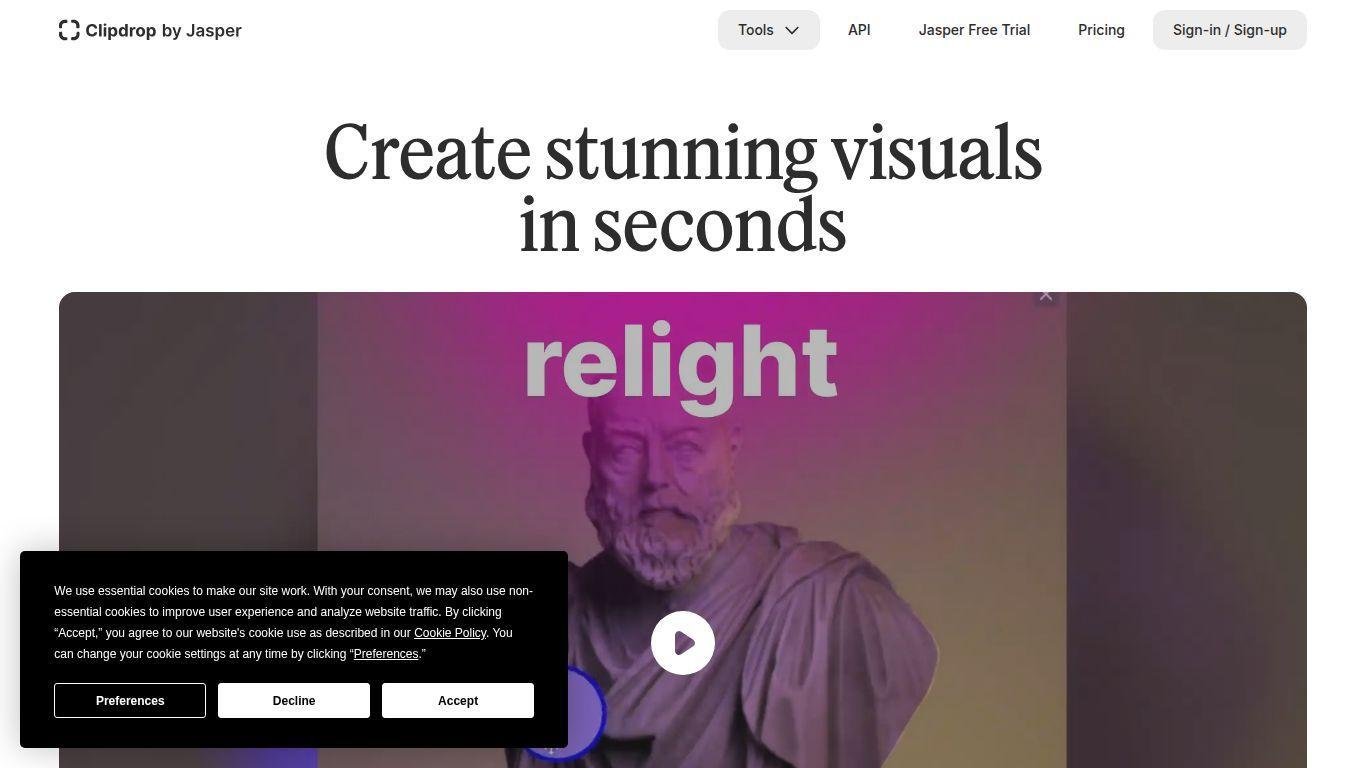
• Clipdrop is an AI-driven platform for visual editing and image generation.
• It aids creators in producing, enhancing, and transforming images with advanced AI tools.
• Features include background removal, object cleanup, image upscaling, relighting, and generative image creation.
• Users can apply AI enhancements that automate complex editing while preserving natural visual quality.
• Targeted audiences are designers, marketers, photographers, and developers.
• Offers web-based tools and API access for scalable workflows.
• Aims to make advanced image editing accessible and reduce production time significantly.
AI background removal and replacement tools
Object cleanup and automatic image retouching
Generative image creation using AI models
Image upscaling and resolution enhancement
AI relighting and lighting adjustment capabilities
Text-to-image generation functionality
Batch editing for efficient workflows
Web-based interface with intuitive controls
API access for developers and integrations
High-quality export options for professional use

What is Clipdrop used for?
Clipdrop is used to generate, edit, enhance, and transform images using AI-powered tools.
Does Clipdrop require professional editing skills?
No, it simplifies advanced editing processes so both beginners and professionals can use it.
Can Clipdrop generate images from text prompts?
Yes, it includes generative AI tools capable of creating images from user prompts.
Who should use Clipdrop?
Designers, marketers, photographers, developers, and content creators who need fast AI-driven visual editing.
Does Clipdrop offer API access?
Yes, developers can integrate Clipdrop’s AI image tools into their applications through APIs.