

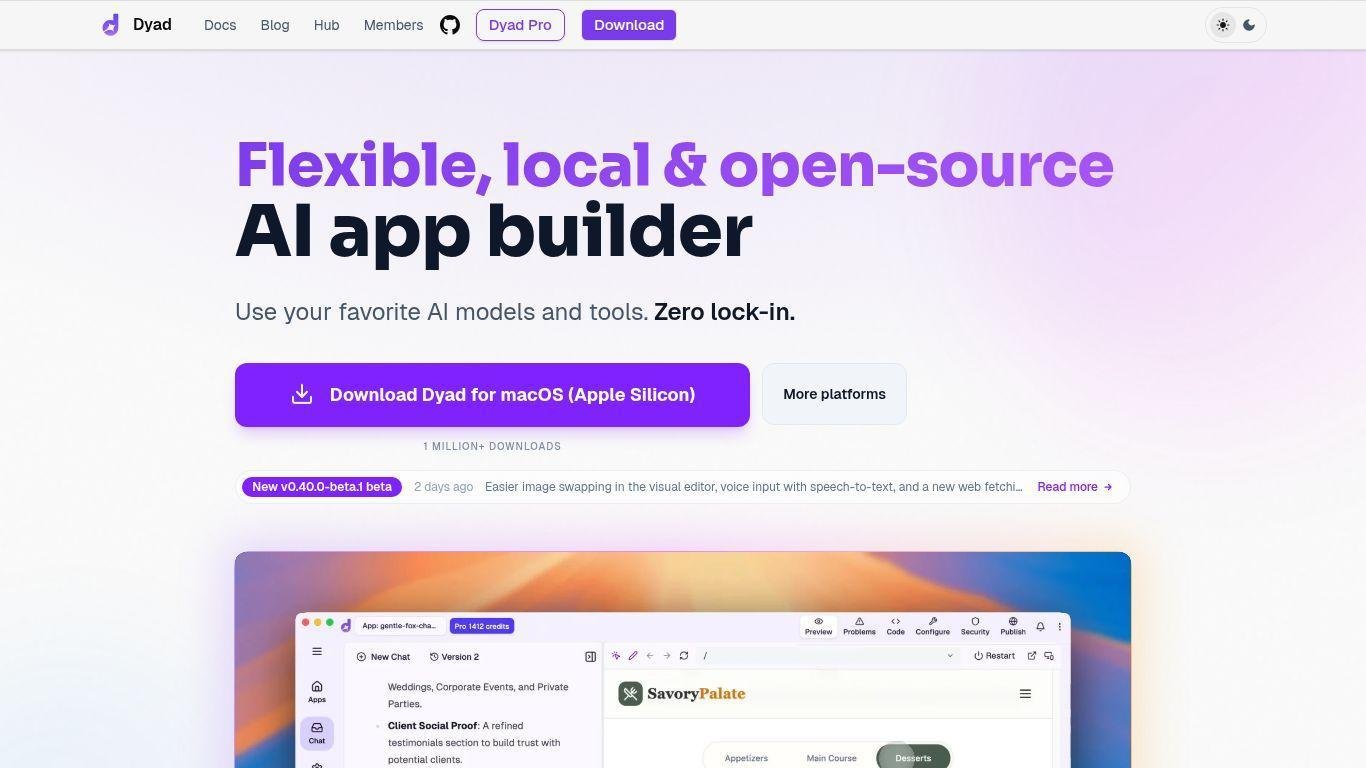
• Dyad is an open-source AI app builder enabling full-stack application development with AI assistance.
• Unlike traditional cloud-based platforms, it prioritizes control, privacy, and customization by operating locally.
• Users can rapidly scaffold applications through conversational workflows while retaining deep customization options.
• Integrated features facilitate seamless connections to services like Supabase for managing authentication and databases.
• Deployment options include GitHub and Vercel, ensuring user ownership of code and workflow.
• Dyad's architecture supports transparency and extensibility, allowing developers to use their own API keys and select AI models.
• The platform is designed for rapid prototyping and scalable production, with features like security checks and AI-assisted debugging.
• Dyad balances automation and developer control, making it efficient for creating modern AI-powered applications.
Local-first development for privacy and control
Open-source architecture with zero vendor lock-in
Support for multiple AI models and tools
Bring-your-own API key integration
Full-stack development with Supabase integration
AI-assisted app creation from start to finish
Built-in security scanning and issue detection
Flexible deployment to GitHub, Vercel, or custom environments
Agent-based debugging and automated error analysis (Pro)
Cross-platform desktop environment with rapid setup

What is Dyad used for?
Dyad is used to build AI-powered applications from concept to deployment using local development workflows and AI-assisted coding.
Does Dyad require cloud subscriptions?
No. Users can bring their own API keys and avoid platform lock-in or bundled subscription costs.
Can Dyad build full-stack applications?
Yes. Dyad supports full-stack workflows, including authentication, database, and server functions via integrations such as Supabase.
How does Dyad maintain privacy?
Dyad runs locally and allows developers to control their tools, models, and data, reducing dependency on external hosted environments.
Where can applications built with Dyad be deployed?
Apps can be published to GitHub, Vercel, or other custom hosting platforms depending on developer preference.