

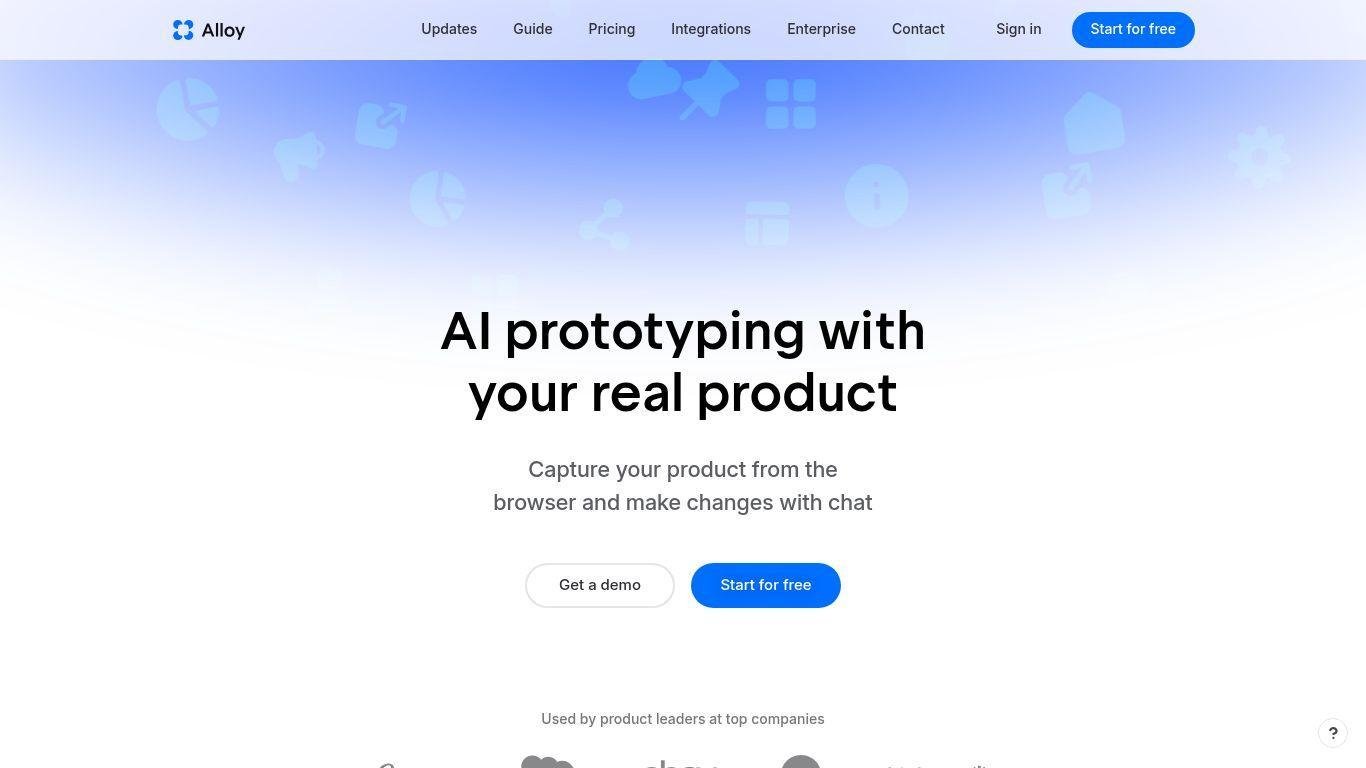
• Alloy.app is an AI-driven prototyping platform aimed at product teams, managers, and UX designers.
• It allows quick visualization of feature ideas with high fidelity, using live product interfaces captured directly from browsers.
• Prototypes maintain the appearance of actual products, preserving design systems, typography, layout, and colors.
• Users can start prototyping without creating screens manually by capturing any page from their web app using the Alloy browser extension.
• Prototypes are generated through natural language descriptions and can be shared for feedback and validation.
• Alloy integrates with over 20 product tools, linking customer feedback to the prototyping process.
• Visual editing tools enable precise adjustments for layout and UI elements.
• Advanced workflows feature export options like React code or Figma integration for handoff to engineering or design teams.
• The platform significantly reduces the time from idea to visualization, enhancing testing, iteration, and communication for product teams.
• Alloy’s intuitive setup and high-fidelity outcomes make it a valuable tool for modern product development.
Capture real product screens from the browser with a single click.
Generate interactive high-fidelity prototypes using natural language prompts.
Visual editing tools for precise UI adjustments.
Works with your existing design system and component library.
Share prototypes instantly via links with teams and stakeholders.
Integrates with 20+ product development tools.
Export prototypes as React code for engineering use.
Export or hand off design assets to Figma.
Rapid iteration workflows to explore multiple design directions.
Native desktop app support for macOS and Windows.

What is Alloy.app used for?
Alloy.app is a prototyping platform that uses AI to turn real product screens into interactive, high-fidelity prototypes without requiring manual mockups or coding.
How do I capture my product for prototyping?
Use the Alloy browser extension on any product screen or submit a public link to bring the live UI into Alloy’s prototyping environment.
Can Alloy prototypes be shared with others?
Yes — prototypes can be shared instantly via link, making it easy to get feedback from teammates, customers, or stakeholders.
Do I need design software to use Alloy?
No — Alloy generates prototypes directly from your product, so there’s no need to recreate screens in design software first.
Can Alloy export designs for engineering?
Yes — Alloy allows export of prototypes as React code and supports hand-off to tools like Figma for further design or development use.