

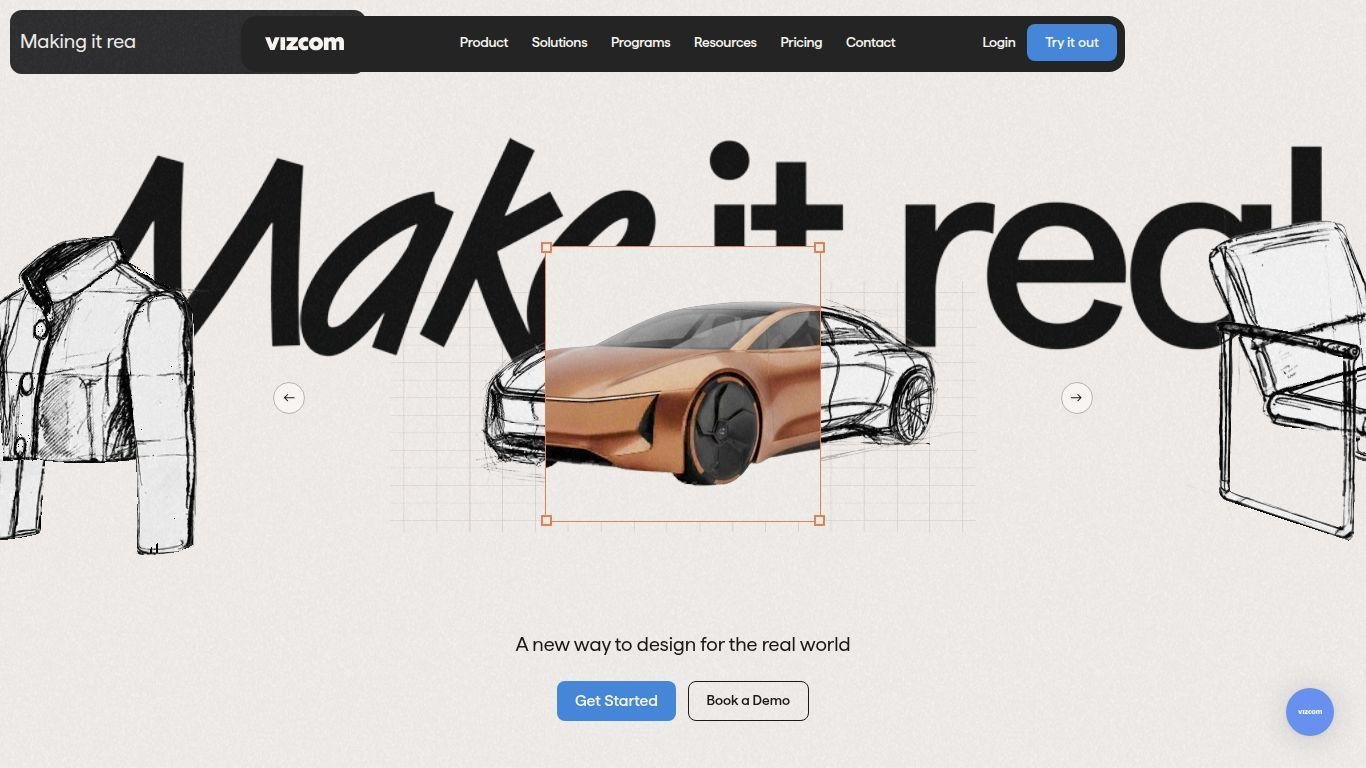
• Vizcom is an AI-driven creative design platform designed to enhance the workflow of designers, product developers, and visual thinkers.
• Users can start with sketches or concepts and render, refine, and iterate visuals in real time.
• The platform allows for the generation of full 3D models from 2D inputs and supports exports for AR, 3D printing, or presentation.
• It is applicable in various fields, including product design, automotive, fashion, and concept art.
• Key features include live-feedback rendering, material extraction from images, environment-context placement, and real-time 2D to 3D conversion.
• Collaborative studio workspaces and organized workflows are supported through layer grouping, palette management, and background removal.
• Vizcom offers a free "Starter" plan, as well as paid professional and enterprise tiers, facilitating faster alignment, bolder iteration, and efficient sharing of visuals and models among teams.
Instant sketch rendering with live feedback so you can see ideas evolve as you draw
Material extraction from real-world textures (from a leaf, sidewalk or object) to apply directly to models
2D to 3D conversion: turn sketches or images into exportable 3D models (*.glb, *.obj, *.stl, *.usdz)
Environment reference placement so your concept lives in a realistic scene context
Color-match and palette tools letting you lock in brand colours or material palettes across iterations
Background removal and layer-group tools to isolate components and build organized files for presentations
Real-time collaboration workspace where teams, viewers and editors work together with roles and permissions
Export workflows for AR, 3D printing and presentation-ready scenes, including walk-throughs and animations
Starter free plan (no credit card required) and scalable professional/enterprise tiers for larger teams
Transparent ownership: you retain full rights to your designs and creations, with paid-plan privacy and free-plan usage clearly spelled out

Can I use Vizcom for free?
Yes — Vizcom offers a “Starter” plan that is completely free, with unlimited files, one team, two editors and unlimited viewers; no credit card is required to begin.
What formats can I export from Vizcom?
Vizcom lets you export generated 3D models in formats such as *.glb (with textures), *.obj, *.stl (suitable for 3D printing) and *.usdz (for AR on supported devices).
Is the platform suitable for team collaboration and presentation workflows?
Yes — the platform supports roles (Admins, Editors, Viewers), workspace sharing, file permissions and layer/group management, making it ideal for team work, presentations and stakeholder reviews.
Does using my uploads/tracing in Vizcom affect my ownership or privacy?
Yes — for paid plan users your uploads and creations remain entirely private and your ownership is maintained. Free plan users retain ownership of their work too, though generated images may be used to improve the service; in all cases you keep rights to your original ideas.
How does the 2D-to-3D generation work in Vizcom?
You begin with a sketch or render on the canvas, trigger the 3D generation (standard or detailed mode), then a new layer is created with the 3D model which you can scale, orbit and position — you can then duplicate the layer, set up multiple views, and render that model in its final context.