

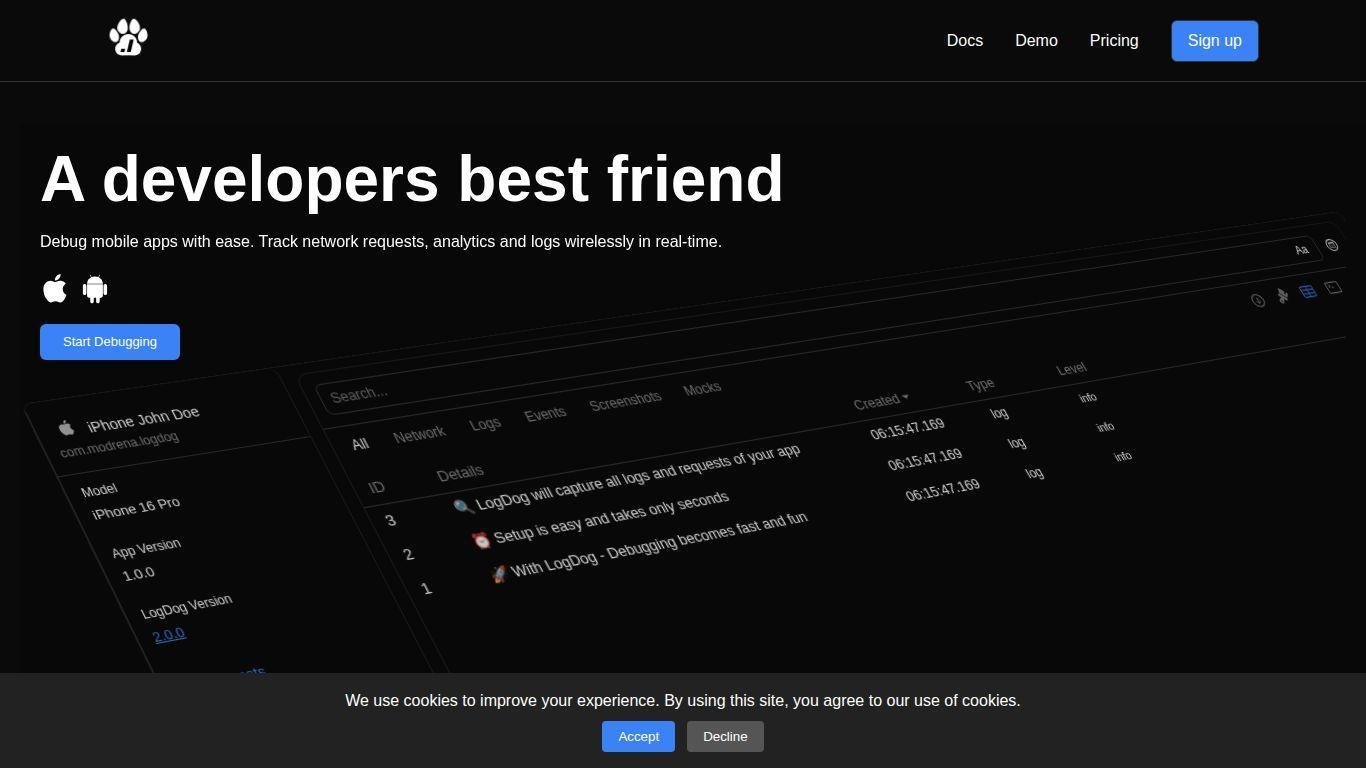
• LogDog is a debugging and monitoring platform for mobile app developers on iOS and Android.
• It simplifies debugging by capturing, inspecting, and sharing network requests and logs in real time and wirelessly.
• The platform is useful for tracking bugs, validating network behaviors, and team collaboration.
• Key features include easy setup via a lightweight SDK, real-time dashboards, smart filtering, export options, and session sharing.
• Supports mocking requests and taking enriched screenshots for effective debugging across devices.
• Designed to integrate into development workflows without impacting performance.
• Aims to help teams deliver higher-quality apps faster and with confidence.
Network request monitoring and inspection in real time
Wireless capture of logs and events across devices
Easy SDK integration with minimal code
Mocking of request responses for testing
Exporting requests as JSON, CSV or HAR
Smart filters for fast log searching
Shareable debug sessions with public links
Screenshot capture to enrich debugging context
Real-time dashboard accessible from web across platforms
Works on both development and production builds

What platforms does LogDog support?
LogDog supports both iOS and Android applications, enabling unified debugging across mobile platforms.
How do I integrate LogDog into my app?
You integrate LogDog by installing its SDK into your iOS or Android project and initializing it with a few lines of code.
Can LogDog monitor production builds?
Yes — LogDog is designed to work with both debug and production builds for comprehensive monitoring.
Does LogDog affect app performance?
LogDog is optimized to minimize its impact on performance and keeps dependencies lightweight.
Can I share debugging sessions with others?
Yes — LogDog supports generating public links to share logs and debugging sessions with team members.