

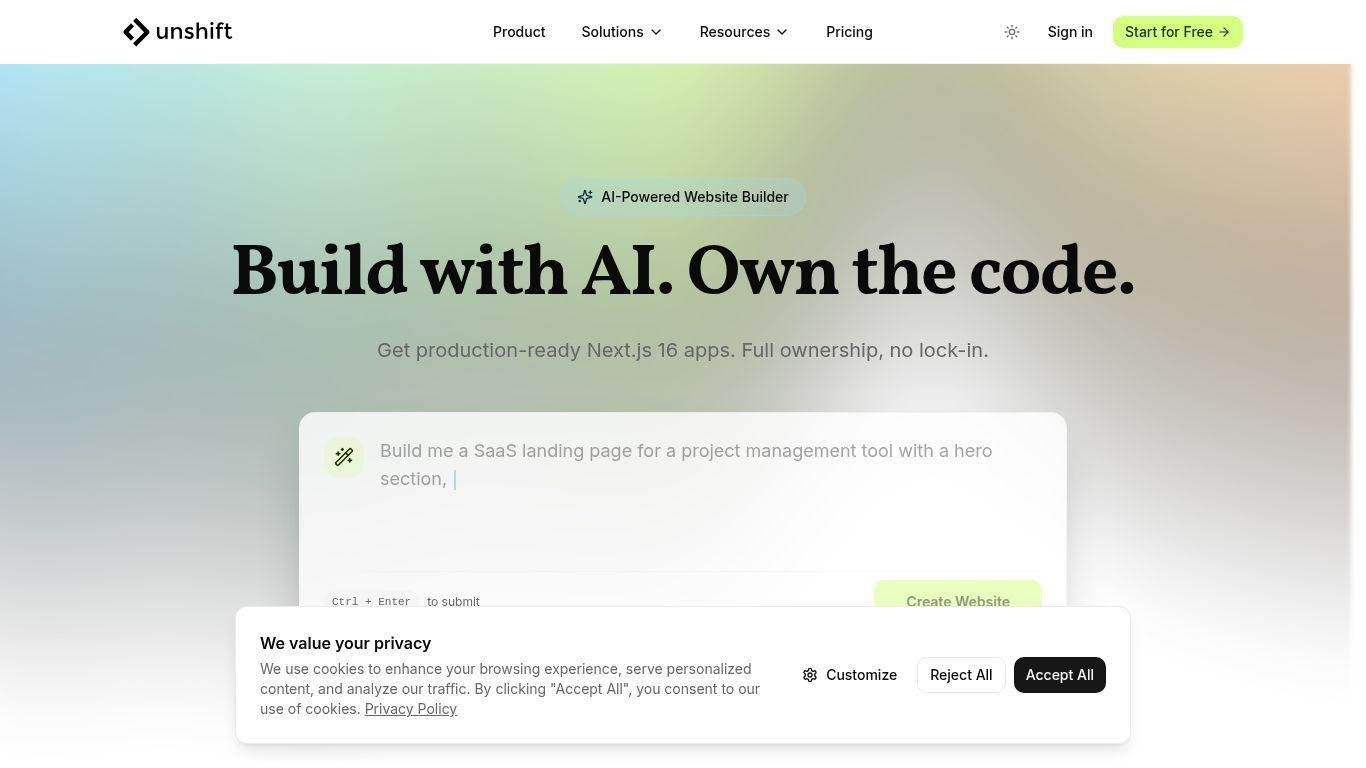
Unshift is an AI-powered visual website builder designed for developers who want to rapidly create modern web applications while maintaining full ownership of their code. The platform combines natural-language AI generation, visual editing tools, and direct code customization into a single workflow that transforms ideas into production-ready Next.js applications. Users can describe their project requirements in plain language to generate complete layouts and components, refine designs using visual blocks, and modify functionality through a built-in web IDE. Unlike traditional no-code platforms, Unshift focuses on flexibility by exporting clean, production-ready code that can be deployed anywhere without vendor lock-in. Built on modern technologies such as TypeScript, TailwindCSS, and component-based architecture, the platform supports integrations, authentication setups, and Git-based workflows, making it suitable for developers, startups, and agencies seeking faster development without sacrificing long-term maintainability.
AI-powered page generation from natural-language prompts
Visual editor with prebuilt blocks and customization tools
Production-ready Next.js project export
Full code ownership without platform lock-in
Built-in web IDE for advanced code editing
TypeScript support for type-safe development
TailwindCSS styling and modern component architecture
Data connectors for external APIs and integrations
Authentication setup with Next-Auth support
GitHub export and deploy-anywhere workflow

What is Unshift used for?
Unshift is used to create modern websites and web applications using AI generation, visual editing, and exportable production-ready code.
Who is Unshift designed for?
It is primarily designed for developers, startups, agencies, and technical teams that want faster development without sacrificing code ownership.
Does Unshift generate real code?
Yes. The platform exports full Next.js applications built with modern technologies like TypeScript and TailwindCSS.
Can users customize the generated code?
Yes. Users can modify the project directly in the built-in editor or after exporting the codebase.
Is there vendor lock-in?
No. Projects can be exported and deployed anywhere, allowing full ownership and flexibility.