

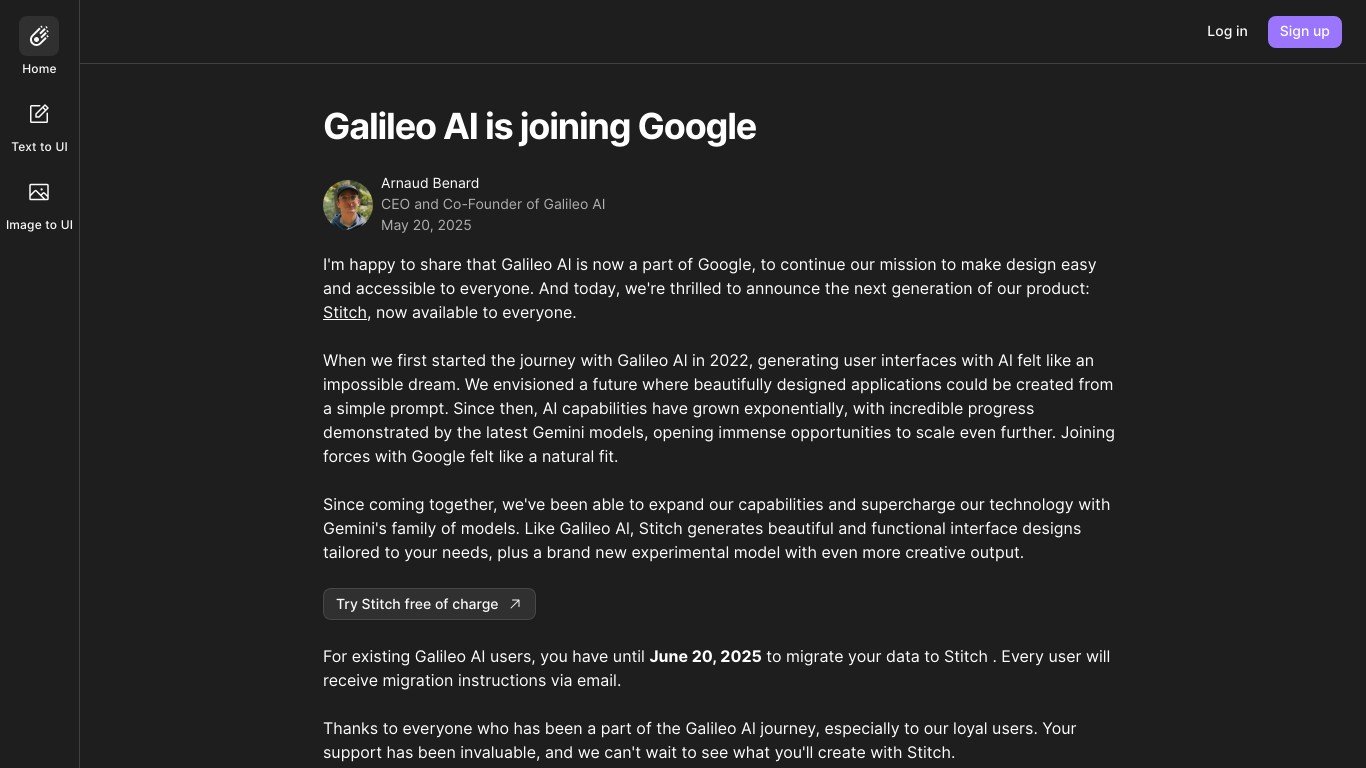
● Galileo AI is an AI-powered platform for fast UI/UX design.
● It generates high-fidelity user interface components and prototypes instantly.
● The platform uses natural language processing and machine learning to interpret user prompts.
● Designers can easily customize generated designs while saving time on wireframing.
● It integrates with popular design tools and offers cloud-based access and AI design recommendations.
AI-Generated UI Components and Screens
Text-to-Design Conversion for Rapid Prototyping
Customizable UI Elements with Drag-and-Drop Editing
Seamless Integration with Popular Design Tools
High-Fidelity Designs Optimized for Web and Mobile
AI-Powered Design Recommendations and Enhancements
Time-Saving Automation for Designers and Product Teams
User-Friendly Interface with No Coding Required
Cloud-Based Platform for Collaboration and Storage
Responsive and Adaptive Design Capabilities

What is Galileo AI used for?
Galileo AI is used to generate UI components and prototypes from text descriptions, helping designers and product teams accelerate the design process.
Can I customize the designs generated by Galileo AI?
Yes, all generated UI elements are fully editable, allowing designers to customize colors, layouts, and styles.
Does Galileo AI integrate with design tools?
Yes, Galileo AI integrates with popular design software, making it easy to incorporate AI-generated designs into existing workflows.
Is coding required to use Galileo AI?
No, Galileo AI is a no-code platform, allowing users to create and customize UI designs without programming knowledge.
Is Galileo AI suitable for professional designers?
Yes, while it automates design processes, Galileo AI also provides customization options, making it a valuable tool for professionals seeking efficiency.