

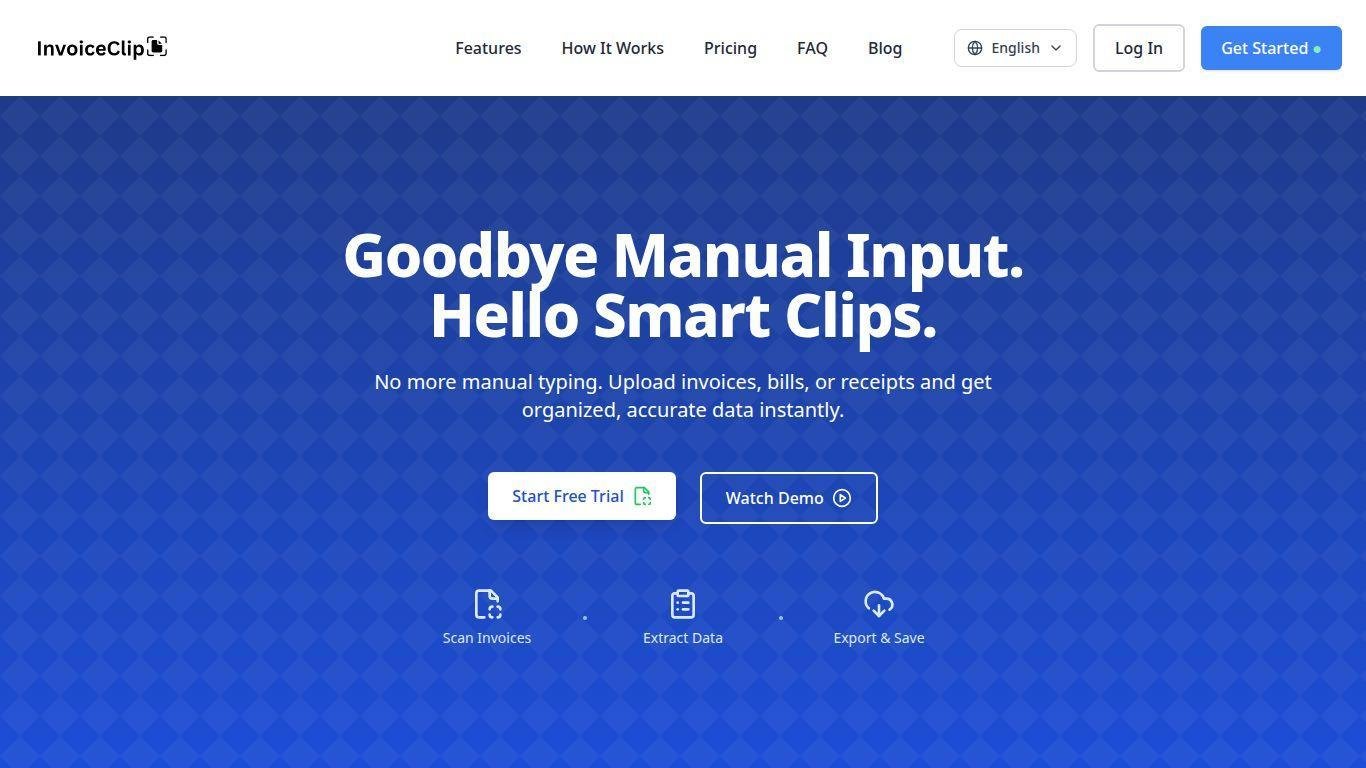
• InvoiceClip is an AI-powered tool for scanning invoices and receipts.
• It automates data extraction using optical character recognition and AI models.
• Key information captured includes totals, dates, taxes, line items, and vendor details.
• Users can upload documents in bulk and edit extracted data in real time.
• The refined data can be exported to spreadsheets or accounting platforms.
• InvoiceClip simplifies bookkeeping, enhances accuracy, and speeds up financial processes.
• It is designed for small businesses, freelancers, and accounting teams.
AI-powered OCR that extracts invoice data automatically
Support for multiple document formats like PDF, JPG, and PNG
Extraction of totals, line items, taxes, and vendor information
Real-time editing and verification of extracted fields
Bulk upload capability for processing multiple files at once
Smart expense categorization across common accounting categories
Export options to CSV, Excel, or third-party accounting tools
Multi-language support for diverse regional invoices
Dashboard for tracking past uploads and search history
Minimal manual intervention required for data cleanup

What is InvoiceClip?
InvoiceClip is an AI-powered platform that scans and extracts structured data from invoices and receipts, eliminating manual data entry and improving accounting accuracy.
How does InvoiceClip extract invoice details?
InvoiceClip uses advanced optical character recognition (OCR) and machine learning to identify and capture invoice fields such as totals, dates, taxes, and line items from scanned documents.
Can I process multiple invoices at once?
Yes. InvoiceClip supports bulk uploading, letting you upload and process many invoices and receipts together for faster workflow automation.
Where can I use the data after extraction?
Extracted invoice data can be exported into spreadsheets like CSV or Excel, or integrated with accounting software for further financial processing.
Is manual editing available after data extraction?
Yes. After InvoiceClip extracts the data, you can review and edit fields in real time to ensure accuracy before exporting or using the information.